AI Rap Video Generator
Create an AI rap video from one photo, with generated rap vocals, a beat, and a performance setting you choose. Add a topic for a birthday, an inside joke, or a personal story—or leave it blank. Generate your video and download the MP4.
Default: Standard · 720p · 12 seconds · 9:16
How do I make an AI rap video from a photo?
Upload a photo, choose a performance setting, and select your video settings. You can add a short topic to guide the rap or leave it blank. Sign in, review the credit cost, and submit your generation.
1. Upload your photo
Choose one JPG, PNG, or WebP image up to 3 MB. Use a clear portrait with the face easy to see. For a two-person performance, upload one photo that already includes both people.
2. Choose your topic and stage
Add an optional topic of up to 240 characters. Describe the occasion, a personal detail, and the mood you want. Then choose Orange Booth, City Rooftop, or Blue Studio.
3. Generate and download
Choose your model, resolution, duration, and aspect ratio. Review the displayed credit cost before generating. When your video is ready, play it with sound and download the MP4.
What do I need to get started?
You need one photo and a selected stage. A rap topic is optional, and you can leave the text field empty. Use a photo you have permission to upload, with consent from every adult pictured. Two separate portraits cannot be combined; for a duet, choose a single image containing both people.
What can I make with an AI rap video?
Turn a specific person, occasion, or memory into a short rap performance. Start with a photo, then use the topic field to explain what makes the moment personal.
Birthday messages
Make a birthday greeting around someone’s hobbies, favorite food, or memorable habits. Mention a few details that friends will recognize and choose a warm, playful mood.
Inside jokes and shared moments
Build a rap around a holiday, a group tradition, or a funny moment with friends. Explain the joke in plain language so the topic gives the generator enough context.
Personal milestones
Celebrate a graduation, a completed project, or a fitness goal. Focus on the achievement and how you want the performance to feel, rather than listing an entire life story.
How should I describe my rap topic?
Give the generator three useful details: the occasion, something personal, and the mood. A focused topic is easier to work with than a long list of unrelated ideas. For the default 12-second clip, choose one main message.
A playful birthday rap for Maya. Mention her weekend baking, her love of coffee, and the dance moves her friends always tease her about. Keep it warm and upbeat.
If you do not have a topic in mind, leave the field blank and start with your photo and stage. To try a different direction later, change one detail at a time—for example, the occasion or mood—so you can compare the results more easily.
Choose your performance setting
Choose a setting that suits the mood of your video.
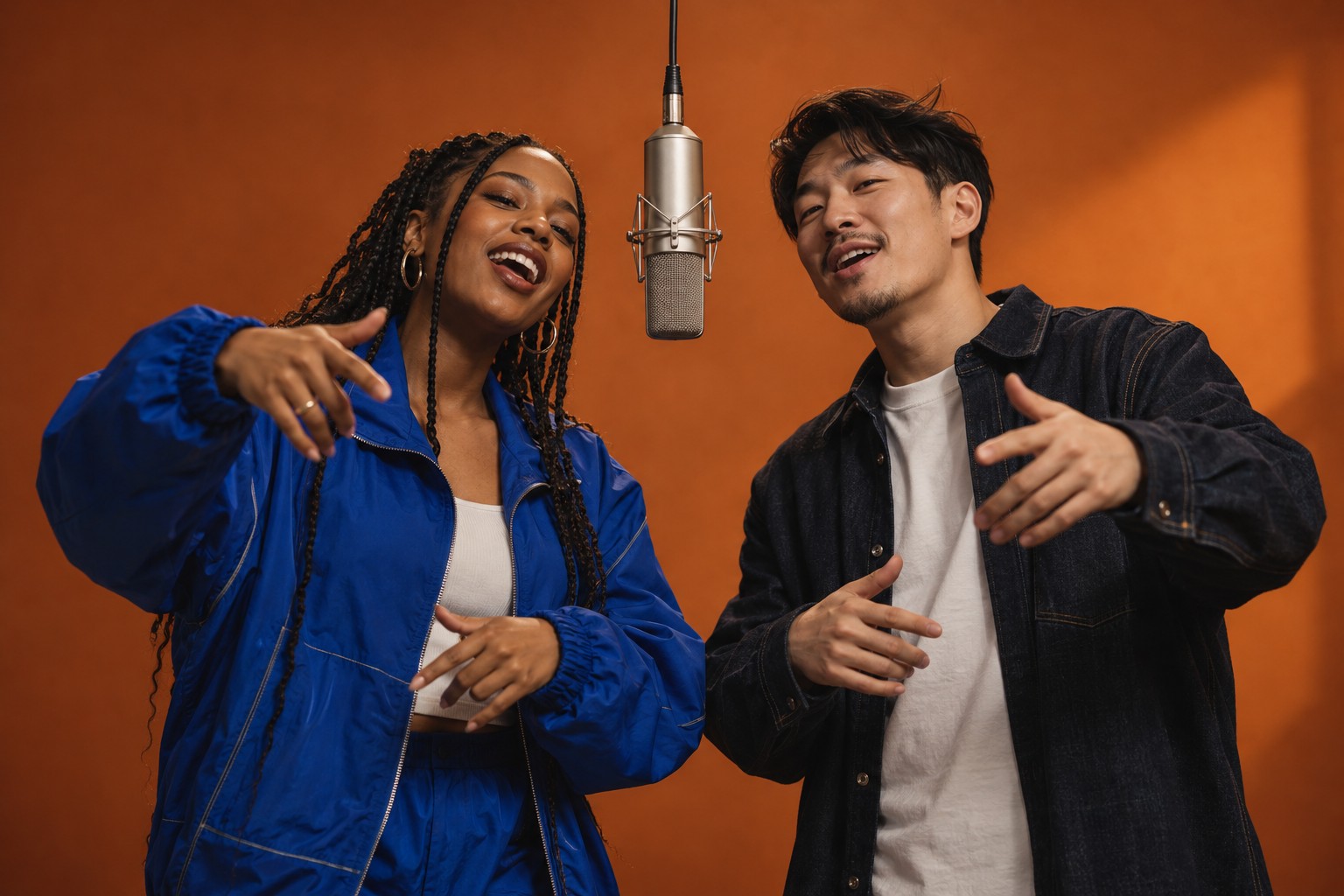
Orange Booth uses a warm recording-room look with a hanging microphone.
City Rooftop places the performance against an evening skyline.
Blue Studio offers a cooler recording-room setting with acoustic panels.
Try the orange boothRead the photo-to-rap guideWhich video settings should I choose?
Start with Standard, 720p, 12 seconds, and 9:16 if you want to use the default setup. The vertical format suits a phone-screen composition. Choose 1:1 for a square frame or 16:9 when you want a landscape layout.
Open the settings panel to compare the available models, resolutions, and durations. The available combinations depend on the selected model. Check the updated credit quote before submitting, especially when changing several settings together.
How many credits does a video cost?
A 12-second video using Standard at 720p costs 10 credits. Other settings can have a different cost, shown in the generator before you submit. Use that quote to decide which setup fits your available credits.
Compare one-time credit packs and subscription plans on Pricing. Package video counts use the default settings, so use the generator’s quote when planning videos with a different model, resolution, or duration.
AI Rap Video: frequently asked questions
What does AI Rap Video make?
AI Rap Video turns one photo and a topic into a short, vertical performance with generated rap vocals and a beat. Choose a stage, submit your generation, and download the finished MP4.
Can I use two separate photos?
No. The workflow takes one input image. For two performers, use a single photo that already contains both consenting adults.
Can I upload my own song or choose exact lyrics?
No. This workflow accepts a photo and a topic, rather than an audio track or a locked lyric script. It requests generated rap vocals and a beat. It is not a full-song music video editor.
Is AI Rap Video free?
Preparing and saving an idea is free. Generating uses credits based on your selected model, resolution and length. The default Standard, 720p, 12-second video costs 10 credits.
What happens if generation fails?
Credits are returned after the system confirms a failed generation. Contact support with the task ID if a task stays unresolved.
Will the lips match the words?
The generator requests mouth movements that match the vocals, but perfect lip sync is not guaranteed. Watch and listen to the finished video before sharing it.
Do I need to install an app?
No. Create your rap video in a web browser, including a mobile browser. No app installation is required.
What happens to my photo?
Your photo is used to create your video. We do not display uploaded photos publicly. See our Privacy Policy for details.
What do the stage previews show?
The stage previews illustrate the intended setting and visual style.
Create your first rap video
Upload your photo, choose a stage, and add a topic if you have one. Start with the default settings or open the options to customize your performance.
Create my rap video